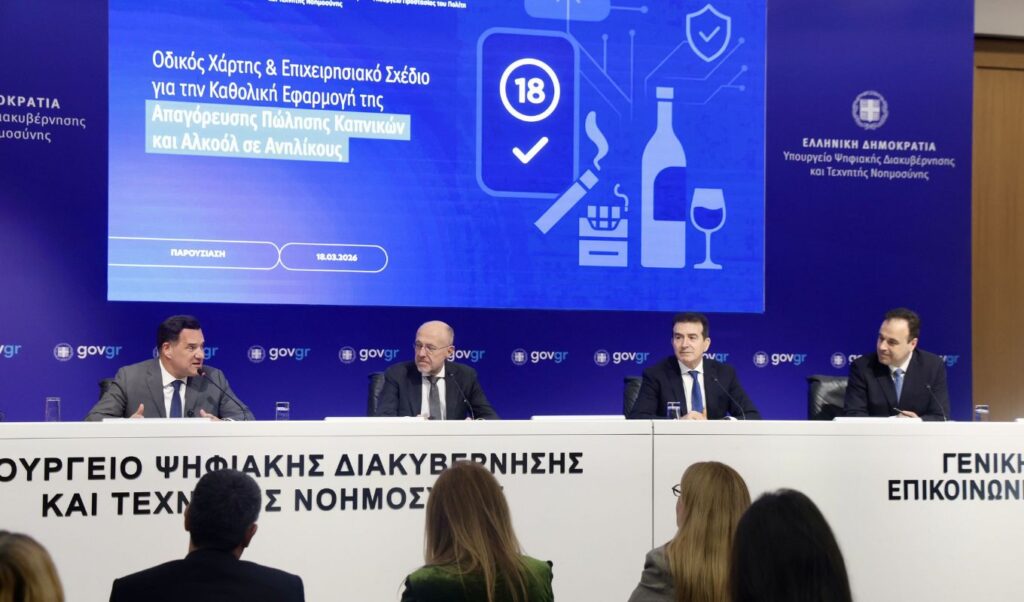
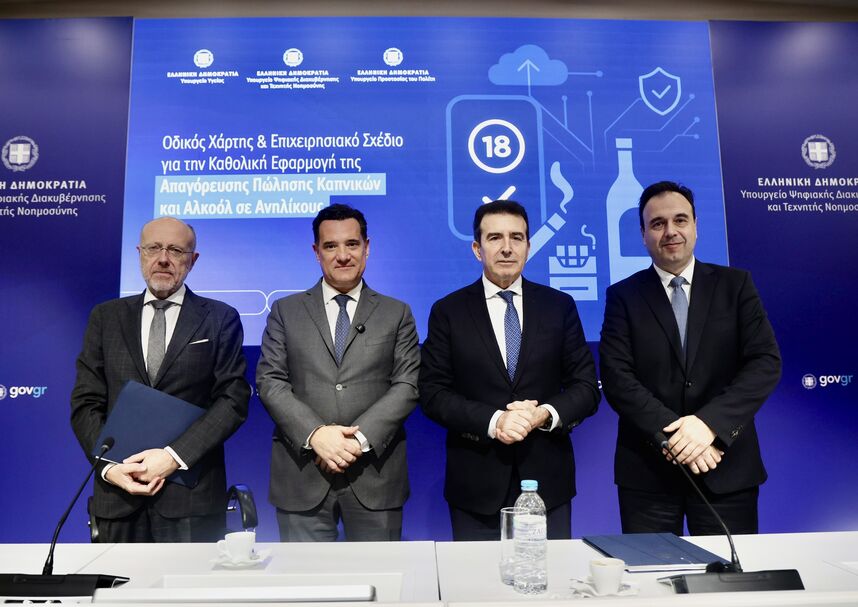
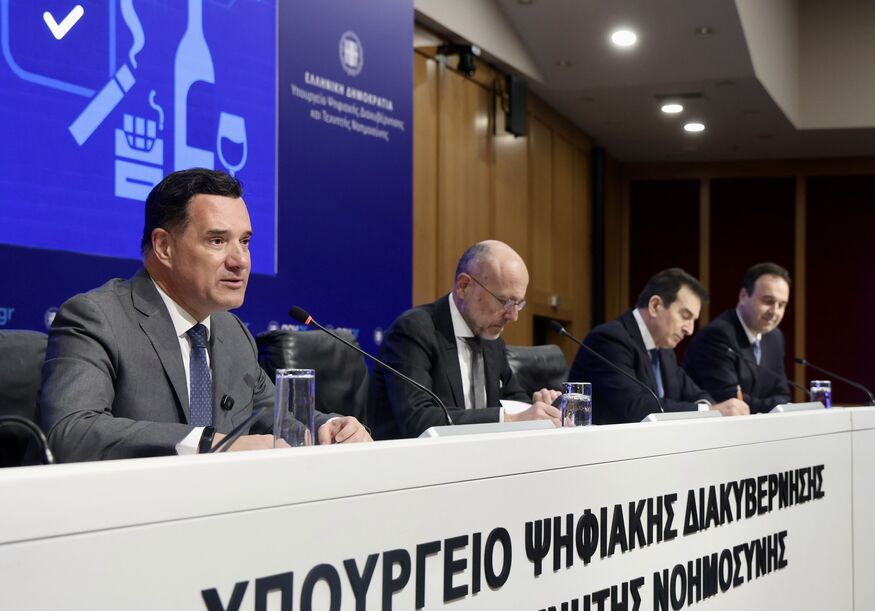
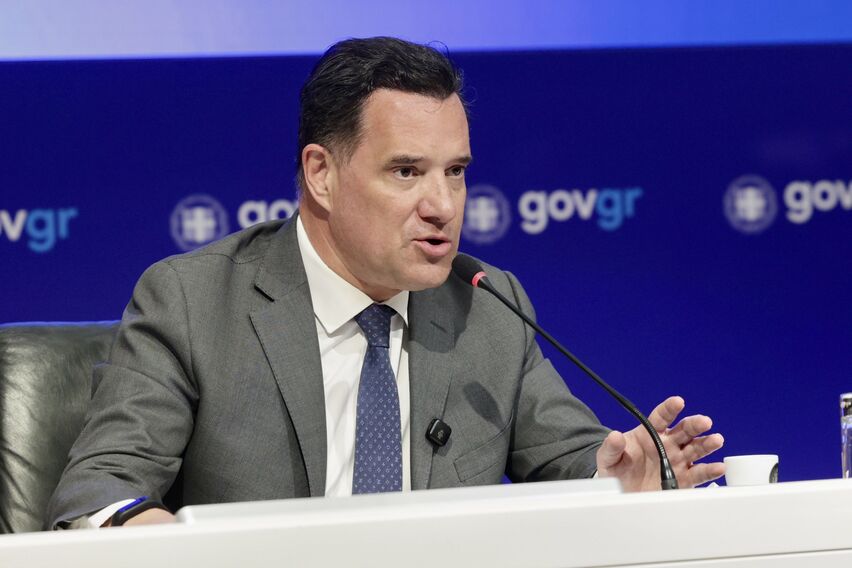
Following the presentation of the new roadmap for the operational plan regarding the universal implementation of the ban on selling tobacco products and alcohol to minors, which took place today, Wednesday (18/03), the Ministries of Citizen Protection, Health, and Digital Governance provide further clarifications regarding the new framework. Specifically, they present a total of 10 + 10 questions and answers, while also presenting videos showing the steps followed by minors and store owners to prevent the sale of such products. It should be noted that the presentation took place earlier today in the events hall of the Ministry of Digital Governance, with the participation of Health Minister Adonis Georgiadis, Digital Governance Minister Dimitris Papastergiou, Citizen Protection Minister Michalis Chrysochoidis, and Deputy Health Minister Dimitris Vartzopoulos.
Ban on selling tobacco products and alcohol to minors – Most frequently asked questions
A) alto.gov.gr
- Who is required to register in the Registry?
All natural and legal persons, through their legal representatives, who sell and distribute tobacco products, alcohol, and other non-tobacco products are required to register in the Registry.
- How can I connect to the Registry?
Connection is made through gov.gr using TaxisNet codes. For individual businesses, the citizen’s tax ID is used, while for legal entities, the business tax ID is used.
- What information must I declare for each branch?
For each branch, you must declare the type of point of sale, the products you distribute (tobacco, alcohol, other non-tobacco products), the address and location on the map, as well as responsibly declare the compliance statement.
- Can I declare more than one branch?
Yes, you can submit separate declarations for multiple branches. The status of each declaration is displayed in a list per branch.
- What is the QR code generated after submission?
After submitting the declaration, a certificate is created which bears a unique QR code and must be posted in the store. By scanning it, inspectors and citizens can see the declaration details and the official gov.gr document.
- Can I update or cancel a declaration?
Yes, you can update the declared information due to changes, as well as cancel a declaration from the system (e.g., if you no longer engage in the activity).
- What checks are performed when connecting to the Registry?
The Registry automatically checks if the tax ID is connected to an individual business, retrieves contact information from EMEP, and confirms the existence of appropriate activity codes from AADE.
- What information is available to the general public?
The general public can see through gov.gr the tax ID and business name, the activity code, the type of products, the branch address, as well as a map with sales points.
- By when must I complete my registration?
A transitional registration period is provided until April 16, 2026, for a smooth transition to the Registry.
- How is control carried out by the competent authorities?
In case of inspection, inspectors can scan the QR code posted in the store or search for your business by tax ID in the Registry to verify your declaration and declared products.
B) events.gov.gr
- Who is required to use the platform?
Natural and legal persons who offer or provide event organization venues are required to submit notification of the relevant private event, declaring the necessary information for creating the private agreement.
- How can I connect to the platform?
Connection is made through gov.gr with Taxisnet codes. For individual businesses with citizen tax IDs and for legal entities with business tax IDs.
- What information must I fill in for an event?
You must fill in the start and end date and time of the event, the event title, the hall (optional), the tax ID of the venue’s legal representative, the organizer’s tax ID and name, as well as a responsible compliance declaration. It is noted that the event start date must be at least 48 hours from the notification.
- What happens after submitting the declaration?
After submission, a private agreement document is automatically created by gov.gr between the venue’s legal representative’s tax ID and the event organizer’s tax ID.
- How is the private agreement signed?
The venue’s legal representative receives a link (URL) to sign the agreement through the gov.gr Citizen Portal. Meanwhile, the organizer receives automatic notification, provided they are registered in the National Communication Registry (emep.gov.gr), to proceed with signing the agreement, which is located in their gov.gr Citizen Portal.
- Where is the finalized document stored?
After completing the signatures, the document receives a timestamp from gov.gr and is placed in the gov.gr Portal of both contracting parties.
- Can I cancel a notification?
Yes, you can cancel a notification from the platform.
- Can I temporarily save a notification?
Yes, the notification can be temporarily saved until its final submission. The list of pending and final notifications is displayed after connecting to the platform.
- What should I do in case of inspection?
In case of inspection, the parties to the agreement must present the signed gov.gr document so that its validity can be checked through the usual procedure.
- What reports are available to inspectors?
Inspectors can search by owner or organizer tax ID and view event lists in areas that fall under their local jurisdiction.
View (HERE) the presentation